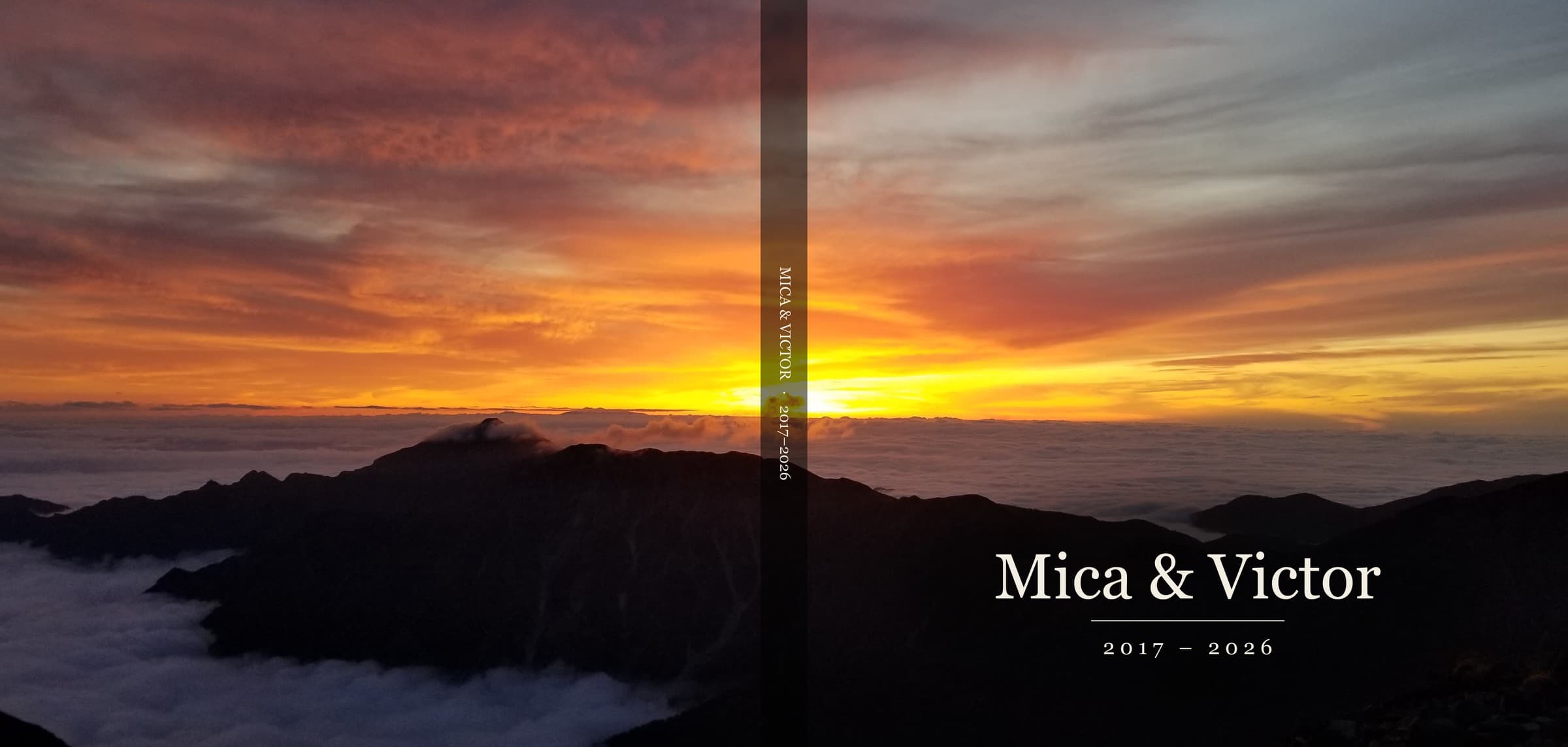
Mica and I have been married for nine years, and we have nine years of photos to go with it (30,000+ photos).
So when I wanted to create a photo album for each year we'd been married it felt daunting.
On my end I'd done a really bad job of organizing anything in Google photos. No favorites marked along the way, no sorting, nothing. Her photos lived in Apple. There were 4,000+ favorites, no other organization, and her settings didn't have high rez export available.
I think we're all there these days. Thousands of photos and we don't really look at any unless the app serves up some collection. Which is nice, but not the same as a physically curated set of photos.
So I wanted to make a real book for our anniversary that we could look at in the future.
Ultimately, I used AI to create everything. Filtering the photos, upscaling them, tagging them, creating the layout, building a printable PDF, and getting it final end-to-end.
I had a lot of false starts, tried and discarded a bunch of online photo editors, and then built my own really efficient but highly hacked together software to do it.
And I've made all of that completely free so you can use it too if you want in this github repo.
This is what I learned in the process across three main challenges:
- Picking a couple hundred photos from thousands + sorting and grouping and tagging and filtering photos
- Ensuring picture quality
- Building the layouts per page and across the album to create consistency
The Editor and Assembly Process
The tool in Github is an editor for the layout. I built it by feeding it a stack of premade layouts (think google image search for photobook layouts for 1 photo, 2, 3, 4, 5+ etc), then taught it the print considerations and the margins that matter by looking at what services like Blurb and others require on PDF uploads.
For selecting and then tagging and grouping photos I built into the editor effectively a photo dump capability. It would grab the photos I'd had Claude pull out of Google Photos, Apple Photos, and assorted images I uploaded and put them on a page in chronological order (when it could). I then built the ability to select multiple images and "accept" them into the album as well as to quickly add tags. The tags could help when it came to organizing pages beyond just time (thematic pages, grouping the different families, tagging photos into key events). I could then sort/filter and see photos on these different dimensions.
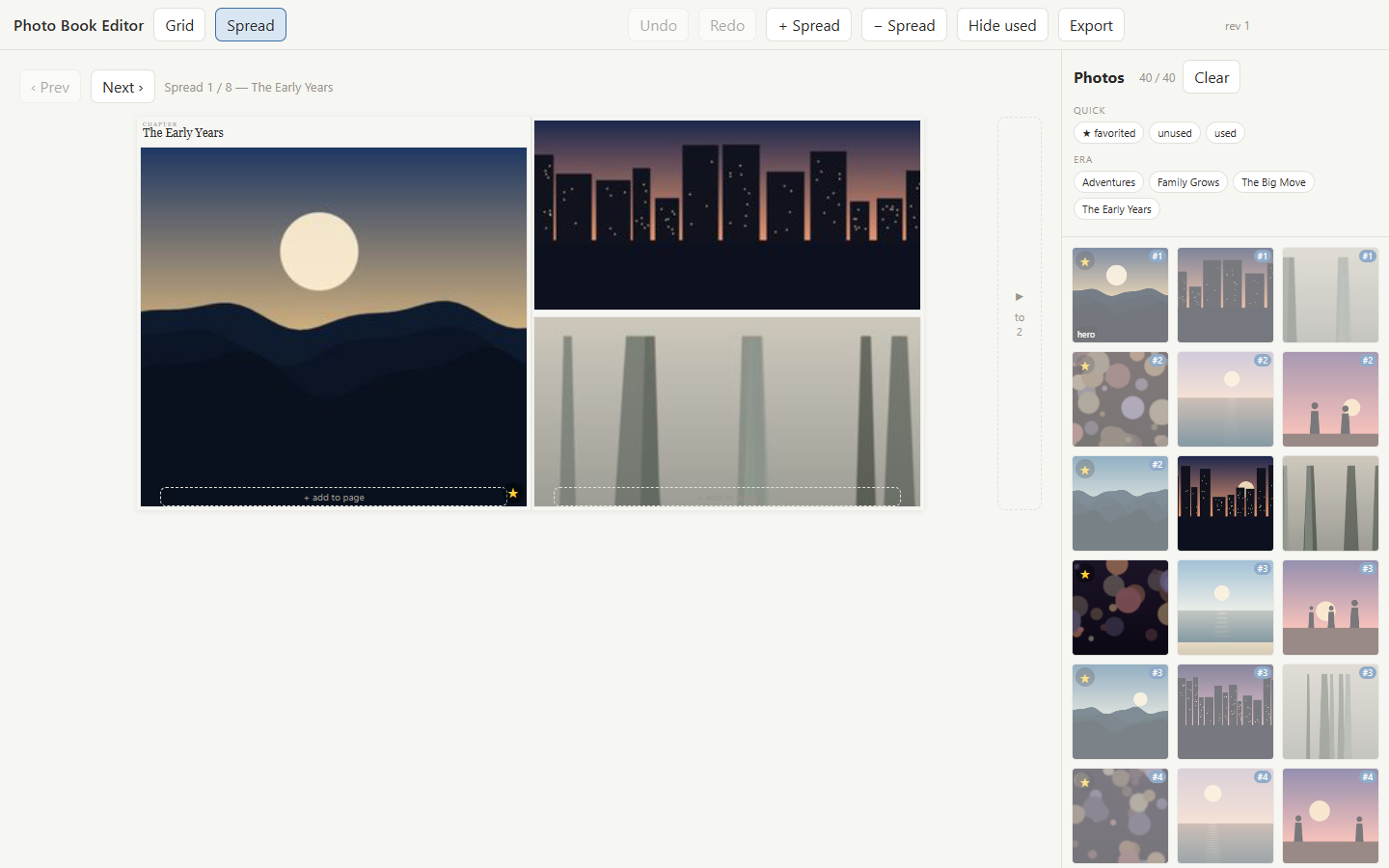
After that I basically put Claude into plan mode and had it design a roughly chronological layout with tags and events on top, mixing and matching page layouts into a very rough draft of several hundred pages.
That obviously had a lot of gaps. I wanted to:
- move photos
- change page layouts
- make sure I wasn't using photos in more than one place
- Verify that each photo I used would be high quality enough to print on a 12x12 photobook (many could but only in smaller sizes and couldn't be half page)
At first I tried to build all of it into a true drag and drop editor. That didn't go so great. You realize the online editors have a place for a reason.
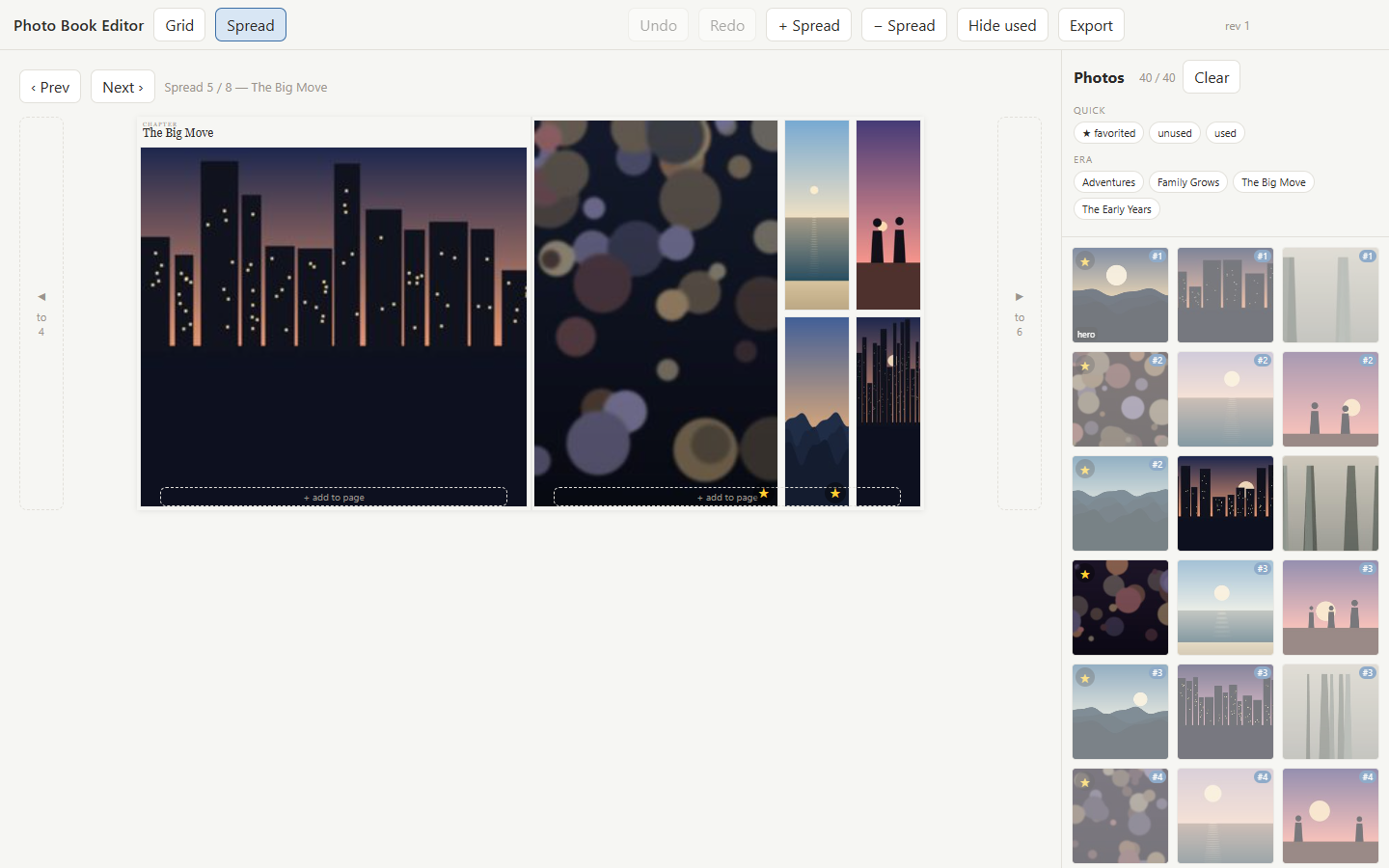
But what I could do was quickly see each page laid out with all the photos on a sidebar that could be browsed or filtered. I built an overlay to identify duplicate photos and a filter for unused photos. I had a visual for when photos were low rez and I built a method to discard photos and remove them.
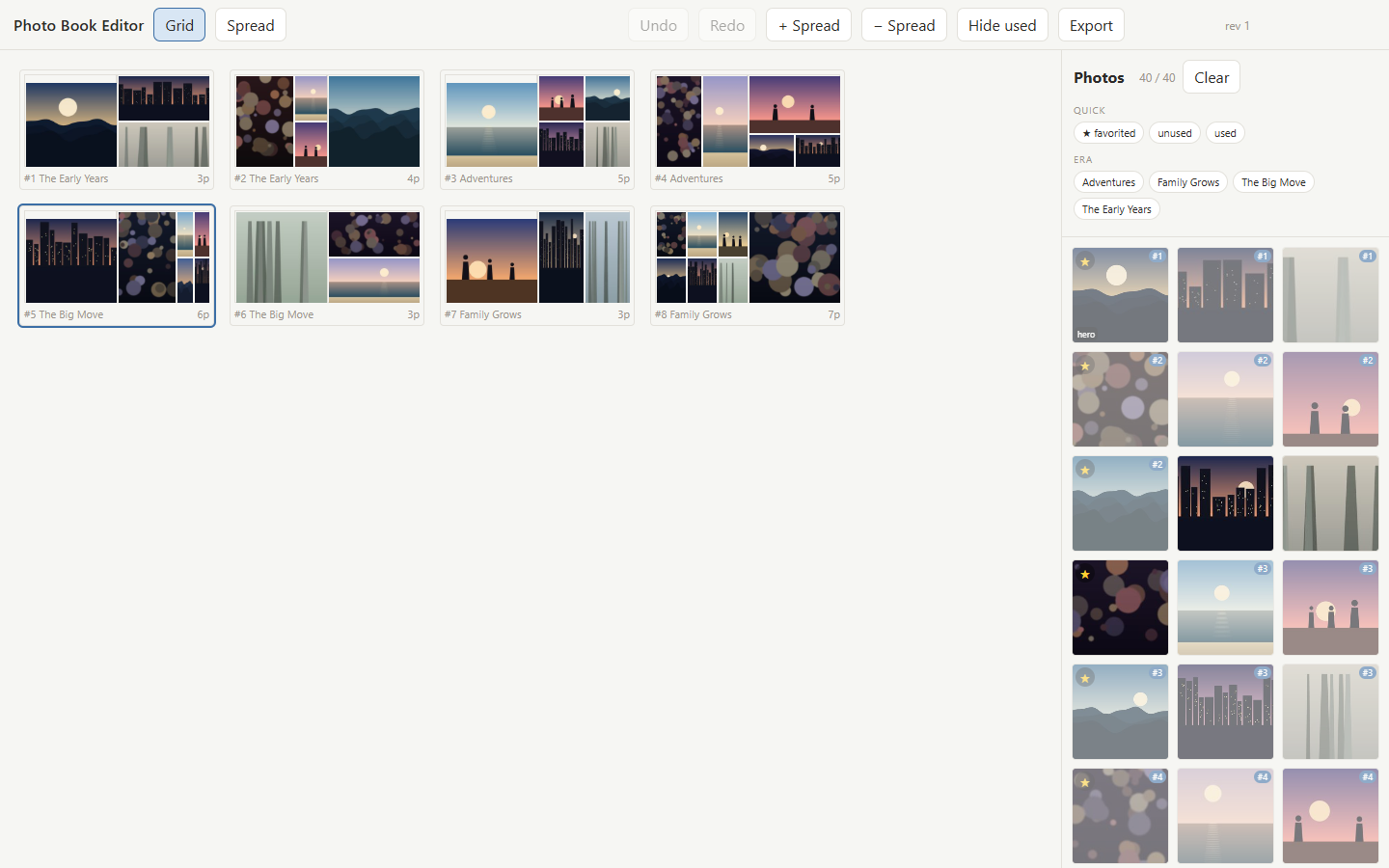
Then I basically went page by page and back in Claude Code said "change the layout to 4 pages, or use the same layout as on p. 112, or swap photo 112 with 321," or anything else I wanted to do. That worked fast and the editor would reflect the changes in real time.
As I mentioned, a lot of the older photos were too low-resolution to print sharply. To solve this I folded a third party (free) AI GPU upscaler into the software (which works by inventing the missing detail). After a lot of trial and error I got it to work well. If you go this route it's all in the Github repo.
Once the layout was great I realized I hadn't accounted properly for page margins for printing and binding. This part took the longest.
First, it took awhile for Claude and I to discover that what I could see in the editor we'd built wasn't exactly the same as when we created the high rez PDF and uploaded it into the print service we were using.
For example every interior page needs a little extra image bleeding off three edges but not the fourth (the one that vanishes into the binding). And it's OK to crop out a landscape but if you crop out a face it's super sub-optimal.
So I had to constantly ask it to shift photos, change how they were cropped, rotate some images to account for binding margins (OK to crop parts of a landscape for example but cropping out a face doesn't work so great), then re-generate the high quality PDF (time consuming), and rinse and repeat the process. No matter how many sub-agents or cross-model calls (gemini, codex, claude) I used there was no getting around being involved in all of this over and over again.
I built the whole thing the way I build everything now, with AI agents doing most of the typing while I steered and caught the mistakes before they became structural. If you want the longer version of what that actually feels like, I wrote about it here.
The tool is yours if you want it
In the end, over the course of 100+ hours (and maybe more) I've built a tool that turned thirty thousand photos into a curated album. It looks great, and it was amazing to sit there looking through and sharing the memories with Mica and our two kids.
The tool itself is both efficient and hacky. The lessons are coded into it so if you do end up wanting to DIY a book yourself point your agent at the repo and save yourself dozens of hours.
It's here: diy-photobook. It runs entirely on your own machine, so your photos never touch a server, mine or anyone else's.